Photo to Rap: 9 Tips for Better AI Rap Videos
Oct 24, 2026AI Rap Video
Practical tips for turning a photo into a rap video with AI: photo choice, lyric length, voice, templates and what to avoid.
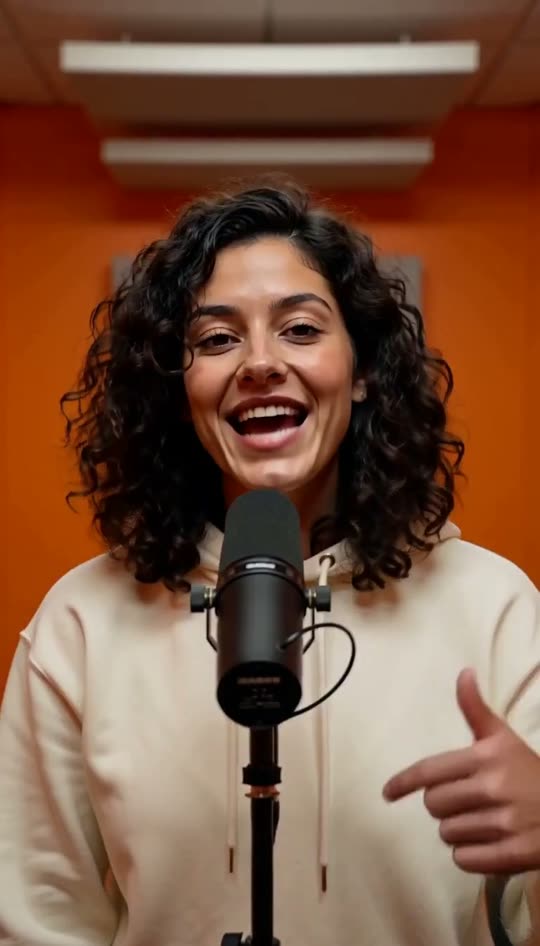
Turning a photo into a rap video is easy. Getting a clip people actually share takes a few small choices. These tips come from testing every template in our AI rap video generator.
- Face the camera. Side profiles animate worse. Straight-on photos give the best lip sync.
- One person per photo. Group shots confuse the model about who is rapping.
- Crop to head and shoulders. Leave a bit of space above the head for nodding and gestures.
- Avoid heavy filters and sunglasses. The AI needs to see the eyes and mouth.
- Keep lyrics to 12 to 20 words. An 8-second clip fits one or two lines. More gets rushed.
- Put the punchline last. It lands right as the beat rides out.
- Match the voice to the beat. Deep voice for slow trap (Hotel Lobby), bright voice for party beats (Birthday Rap).
- Pets: use a close-up. A treat held above the phone gets that straight-at-the-lens look for pet raps.
- Ask first. Only use someone else's photo with their permission, and never celebrities or minors.
Bonus: no rap name yet? Get one free with the rap name generator, then put it in your first bar.